Tatyana Kovalchuk, product owner, Kirill Guzh, business analyst, and Maxim Cherny, team lead, Cifrum, talk about the CIM product based on the Atomcode platform.
Atomcode is a Russian general-purpose, low-code platform featuring flexible microservice architecture and a highly efficient combination of low-code and conventional development tools. The platform supports concurrent work by large teams on enterprise-level projects. It is field-proven as a reliable, scalable product for the nuclear industry, where organizations use it to build complex BIM and PLM solutions. The platform is gradually gaining more and more advanced features, such as AI, expanding the range of its applications.
Development of a new product using the Atomcode platform began at the end of 2024. Only one team is working on it. Today, the product is approaching its MVP stage and is planned for release at the end of the year. Despite the tight deadline, a functional prototype is already available. It has all the key features: interactive project tree; 3D scene; collision analysis and linear measurement tools; cross-sections and markups. One of the reasons for this high development rate is the C3D engine. Its extensive functionality has greatly simplified the implementation of the product’s core features.

Fig. 1. Comparing model versions
The ability to compare versions of digital models is essential. This is because the model development process is iterative. A model is refined, comments are addressed, and various engineering solutions are tested. As a result, the user needs to analyze dozens of versions of the same model.
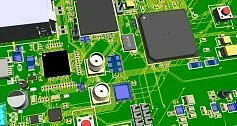
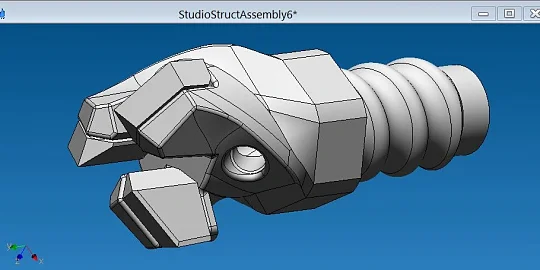
In real life, users attempt to compare two files manually by opening them in different tabs or windows and identifying differences visually (Fig. 1). This approach is inefficient, especially when models are large. It is challenging to identify elements that are new (absent in the original version) or removed (present in the original version but missing in the next version). Identifying modified elements is even more difficult, as there may be changes to object geometry, position, or metadata. Looking for such changes manually takes a lot of time and effort, which reduces overall productivity.
To address this problem, an automatic version comparison tool has been developed. It clearly and reliably highlights the differences for BIM coordinators, engineers, and project managers working in a multi-version environment.


Fig. 2. Visualization of comparison results
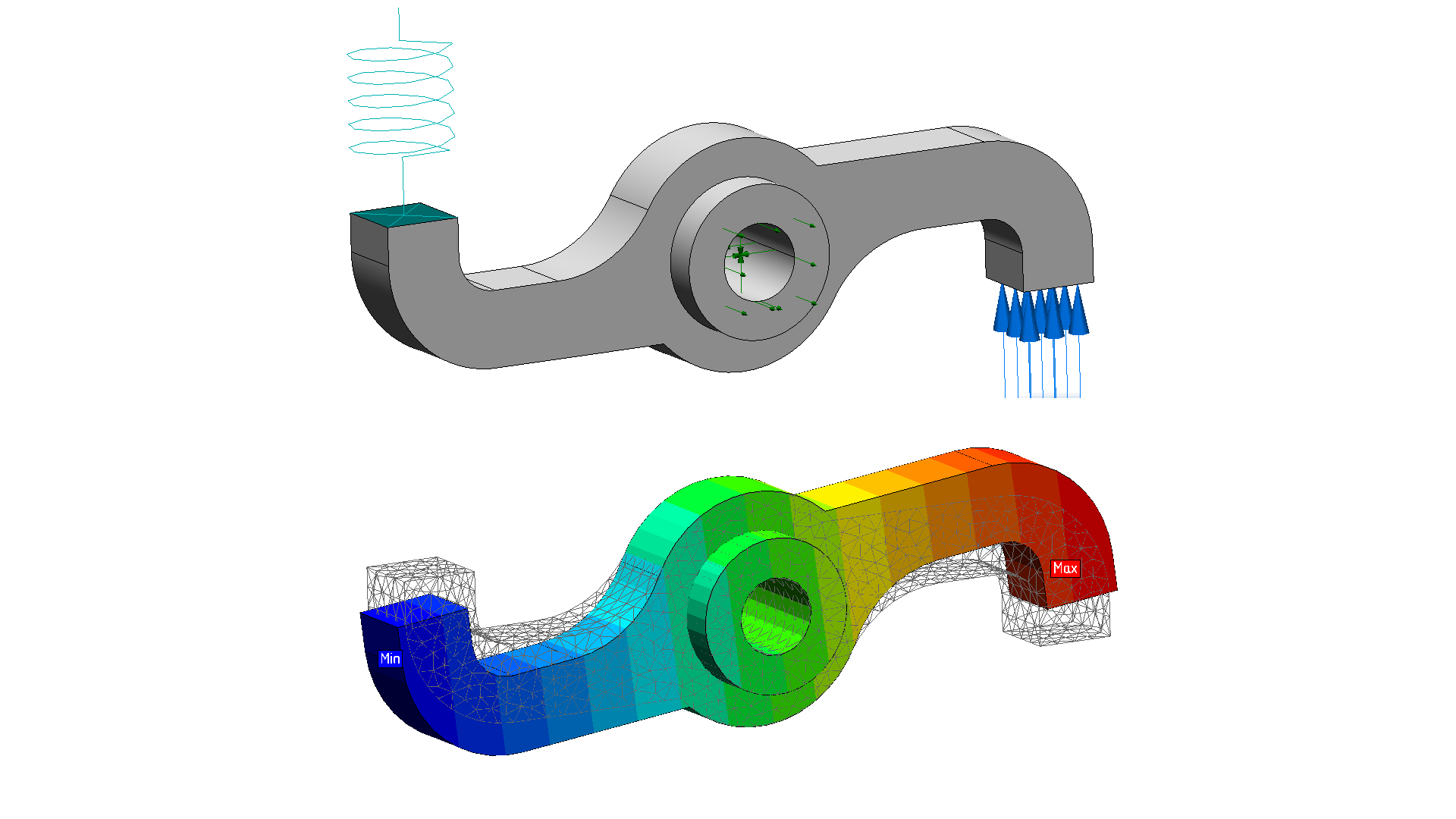
The product can now identify differences between two models. The user easily identifies deleted (red), modified (blue), and added (green) items (Fig .2). Identical elements are shaded. In this way, the user can view the changes in the context of the entire scene while focusing on the key objects, with no need to hide the rest of the model.
When the user selects a modified element, the scene window is automatically split into two synchronized windows. The user can rotate both versions of the model simultaneously and analyze the differences between them in detail. This approach facilitates informed decision-making.
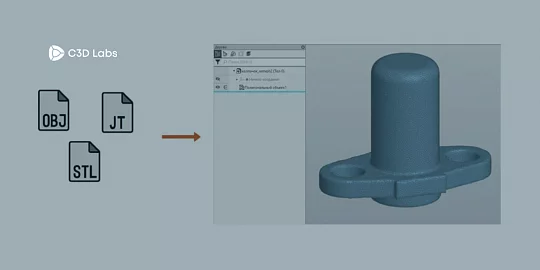
The comparison tool uses C3D Web Vision, C3D Converter, and the IFC plugin. The C3D kernel handles the analysis of geometry changes in polygonal objects. Mass and inertia properties are taken into account to track CoG shifts caused by geometry changes and body repositioning. Removed and added objects can be copied into a new model.


Fig. 3. Comparison of attributes
The C3D Converter tool compares the attributes and properties of objects. It extracts metadata and matches elements by their IDs. As a result, the system determines which elements have been changed, deleted, or added, and generates a report (Fig. 3). The BIM manager can review the changes and make comments for the designer to adjust the model.

Fig. 4. Synchronization of scenes
Two scenes can be viewed on a single screen. This view mode, previously not available in C3D, proved to be very convenient (Fig. 4). A dedicated heap memory segment is allocated for each scene, so they are processed independently. Scenes are synchronized in real time: mouse clicks, pointer movements, zooming — all user actions are tracked and applied to both scenes. The camera in the active scene sends its coordinates to the passive scene without delay, ensuring smooth and coordinated user interface operation.
Such a synchronization presented a number of technical challenges. One issue was obtaining the size of the passive scene: when the browser window was resized, the scene size was not always recalculated correctly. We have discussed the issue with the developers and found possible solutions.
Another issue was double RAM allocation. Models were loaded twice (once for each scene), even though their objects were identical. It used up the resources unnecessarily. This will be optimized in the new releases of the platform.
There were problems with markups, too. Still, all these issues are currently being resolved in collaboration with the C3D Labs team. Some models produced errors when loading: some geometry was not displayed. Initially, the developers could not reproduce the problem. We established efficient communication and shared the models while adhering to our non-disclosure agreements (NDAs). After some analysis and fixes, the problem was solved.
A serious issue with collision reports was the inability to take screenshots without moving the camera. We wanted to add a screenshot to each collision, but the auto-generated reports "flickered" — the camera jumped from one collision to another to take the required angle. It looked messy and was hard to view. Realizing the importance of this feature, we talked with the developers, explained the need for a fix, and ensured that the new functionality would be available in Release 1.9. Now screenshots are generated without shifting the camera, and reports contain clear, stable images of each collision.
This article does not go into all the improvements in detail. The key idea is that even when difficulties arise, it is important to communicate, explain your needs, and collaborate to find solutions. This is the only way to successfully advance both your product and the C3D platform.
Product owner,
Cifrum
Kirill Guzh,
Business analyst,
Cifrum
Maxim Cherny,
Team lead,
Cifrum