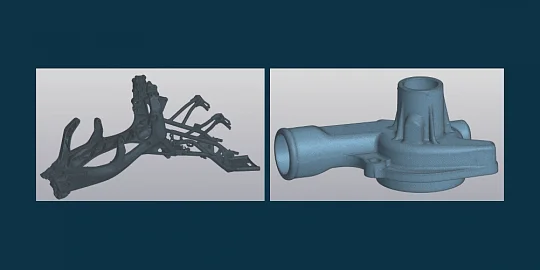
The latest C3D Viewer release offers a multitude of improvements, making the application even more convenient and efficient.
Better Dark Theme
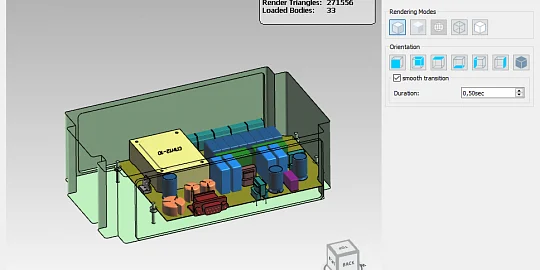
The dark theme is now even more user-friendly: icons feature enhanced contrast, and both the design tree and model orientation toolbar have been improved. To select the dark theme, use the Adobe Photoshop-style setting. Once selected, the user interface switches to light grey to reduce eye fatigue during extended sessions.

Fig. Dark theme
Better Performance and Stability
Overall stability and rendering performance have been improved, especially when working with complex scenes.
New Zoom to Bounding Box Command
With the new command, you can quickly zoom in on a selected screen area. This is especially convenient for studying a small fragment of the model.

Fig. Zoom to bounding box
Object Filter
The model orientation toolbar now has an object type filter. You can select bodies, faces, edges, vertices, and lines in any combination. The filter facilitates object selection, reducing the number of clicks.

Fig. Object filter
New Comment Tool
Now you can add visual comments to models. The comments may include any lines, curves, shapes, and text. The color, line thickness, font style, and size are customizable. Each comment can be exported to an SVG file to share with your colleagues or store along with the model.

Fig. Comment on the model
New Scene Orientation Settings
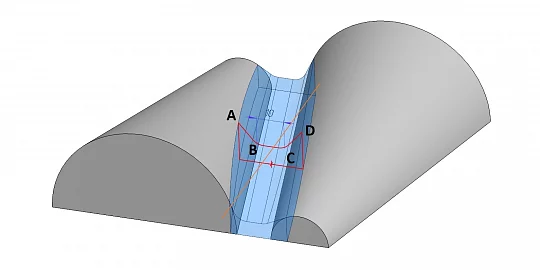
New ISO 90° isometric views are now supported. They are a type of dimetric projection in which the axes are set at 135° (or 7° from the horizontal) and 75° from the vertical. Now you can correctly view models with ISO 90° axonometric views.
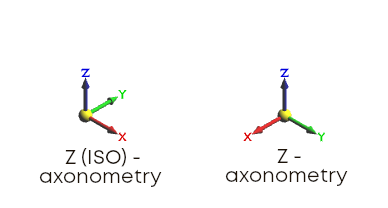
Fig. Isometric views
Product Version View
We have updated the product version and sub-version view. Now it is identical to that view in KOMPAS-3D. Product versions are represented as a tree for easier navigation and better readability.
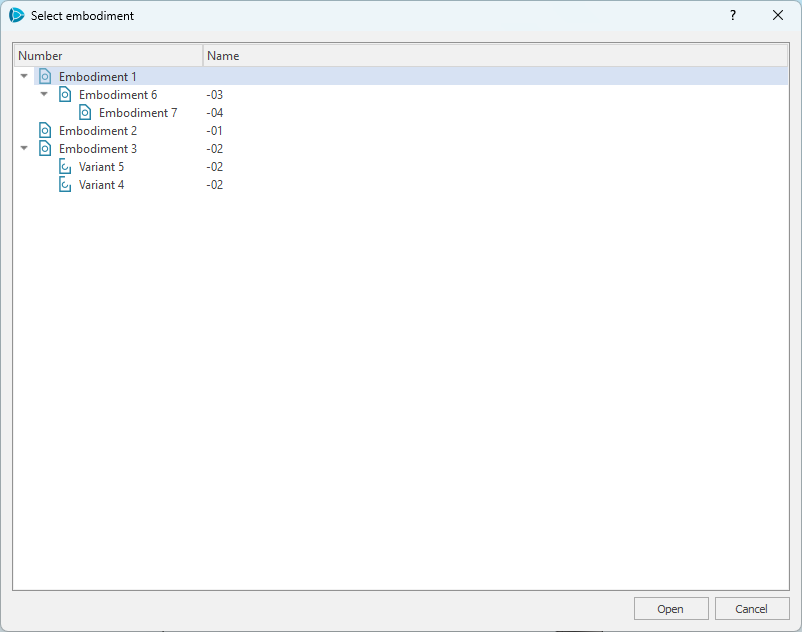
Fig. Product version dialog box
Corporate Edition Updates
We have updated the API in C3D Viewer Corporate Edition:
- The product version function has a new argument to identify the version. The function now returns the versions as a tree, not a list.
- Switching between versions has been redesigned.
- A new API call enables or disables the display of surface finishes included in C3D format files from KOMPAS-3D.
The new release is available at https://c3dlabs.com/products/c3d-viewer/ as a Windows installer or deb package for Linux.