The new release features an interactive tool for scene lighting configuration. The user can choose from three predefined lighting scenarios or create a custom one.

Available lighting scenarios
The lighting settings panel offers a wide range of options. There is an unlimited number of movable light sources. For each source, its type (directional, spot, floodlight), contribution to different reflection components (ambient, diffuse, specular), and color. This opens up endless possibilities for scene customization.

Lighting options
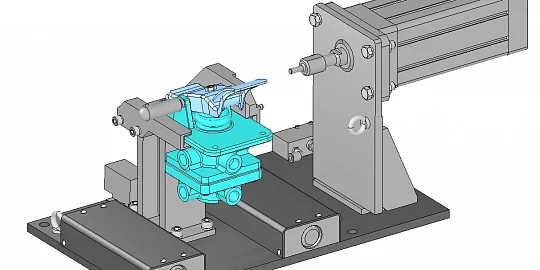
The Explode tool functionality has been expanded. Now, not only the top-level assembly, but also its subassemblies can be exploded.

Exploded view of a subassembly.
There are additional options for the Explode tool for the precise positioning of the components. The explosion begins at the center of the model or selected component. The object filter can now hide small details or, conversely, large elements. The explosion modes include radial, along the axis of symmetry, or perpendicular to it.

Additional options for the Explosion tool
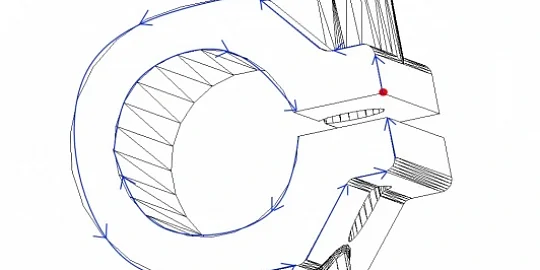
The measurement tools have also been updated: now they can handle wireframe geometry. Wireframes consist of vertices, edges, and lines. They are the underlying structures for surfaces or solids.
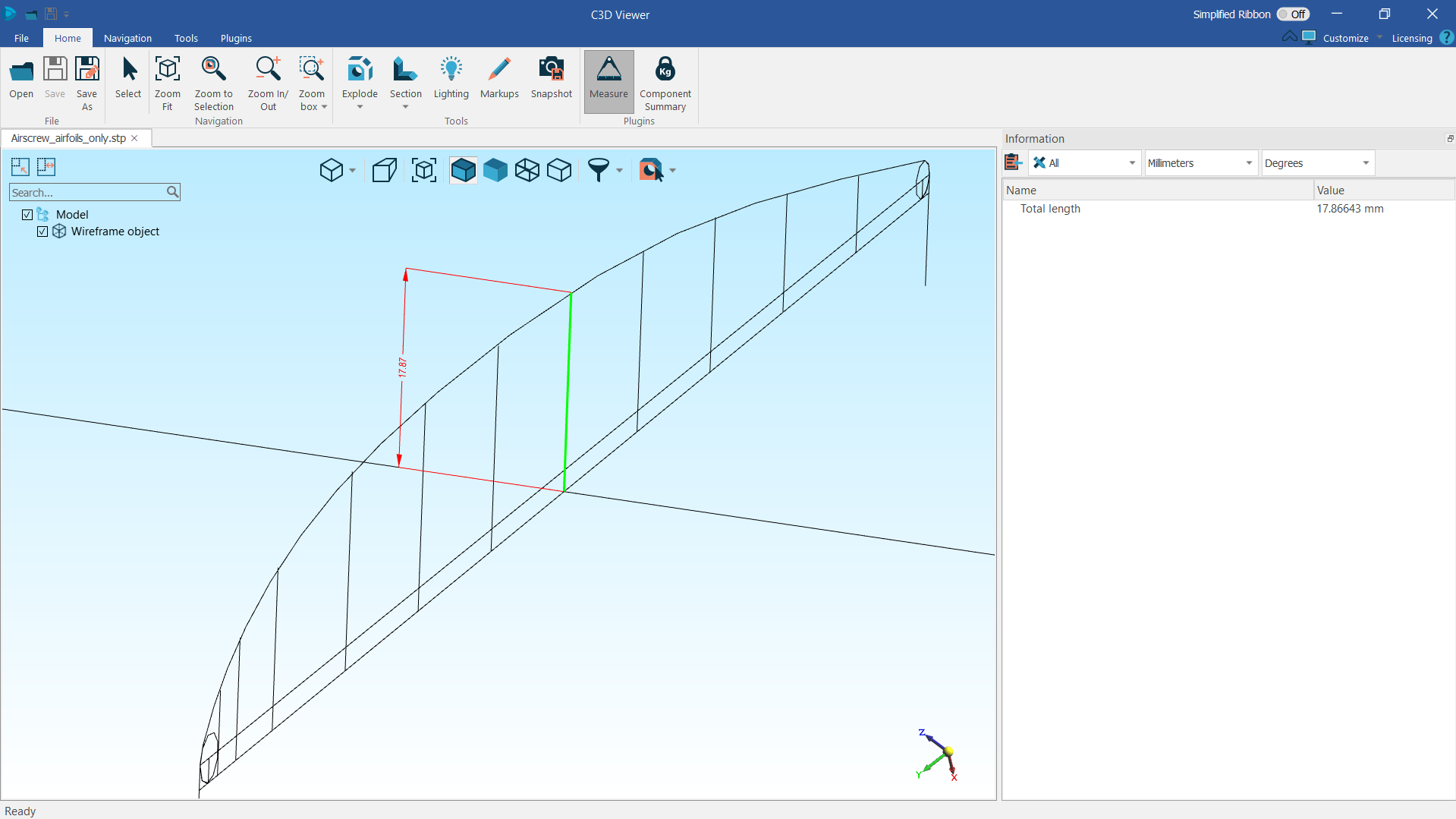
Wireframe measurements
A new tool controls surface finish symbols and notes so they can be viewed for every component within the assembly.
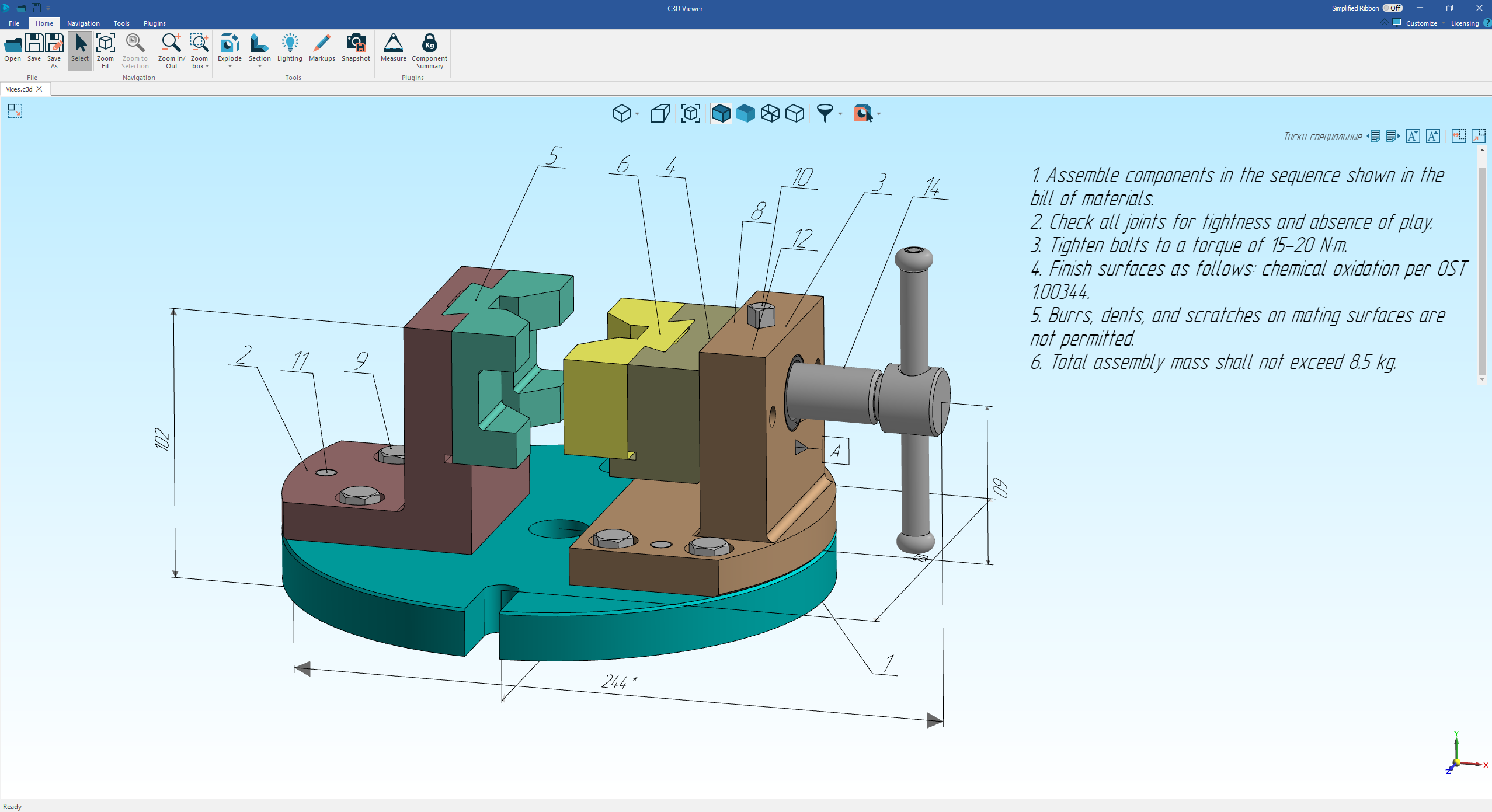
Switching notes
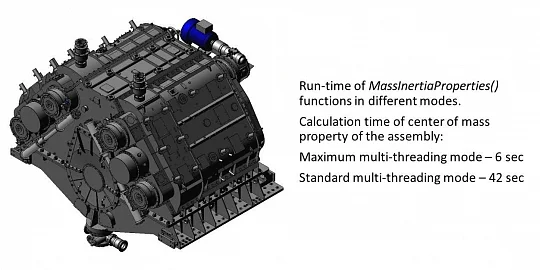
Another new setting is the accuracy (number of decimal places) for the center of mass properties. The accuracy controls the computational performance. This feature is available via the API.

Calculation of center of mass properties
All these updates significantly expand the visualization and analysis capabilities, making it easier to handle lighting, assemblies, measurements, and notes. Make your projects even more accurate and flexible —try out the new features today!