The new release offers more intuitive and flexible geometry handling. We’ve added more measurement tools, improved the center of mass analysis, and refined the Product and Manufacturing Information (PMI) visualization. The update helps you quickly investigate complicated parts and workpieces and efficiently manage technical documentation.
GUI Improvements
We’ve enhanced the geometry visualization features. There is a new geometry type filter. You can hide one or more types to focus on the area of interest. C3D Viewer supports the following geometry types:
- Solids
- Polygonal meshes
- Wireframes
- Sketches
- PMIs
- Construction geometry (coordinate axes, planes).
Fig. 1. Geometry type filter
All tools now have a new command tree navigation window. For example, in the Cross-Section command, the user can add multiple cutting planes and control how they are displayed. For the Explode command, the user can create multiple views and show/hide them individually. We’ve also added a shortcut dropdown menu.
Fig. 2. Command tree
Measurements and Analysis
There are new measurement commands:
- Distance and angle between two objects
- Length of a curve
- Circle radius.
These tools apply to faces, edges, and curves. The Smart Measurement command automatically determines all available geometric properties of the selected object based on the object type.
Fig. 3. Measurements
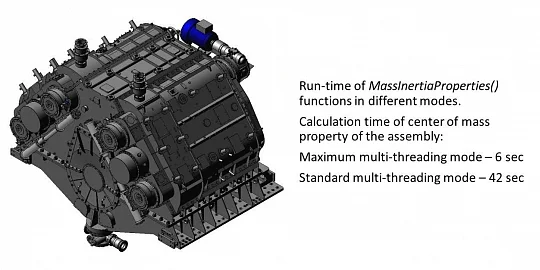
We’ve also expanded the analysis of center of mass properties (CMP). In some cases, the material density is missing. To handle this, the user can now select a material from a list or specify the density manually to calculate the mass.
Fig. 4. CMP analysis
The Bounding Box function encloses the model in an invisible box and measures its overall dimensions. It is a convenient way to estimate the package or workpiece size.
The user can specify tolerances for all three bounding box dimensions, select the material, and calculate the box mass.
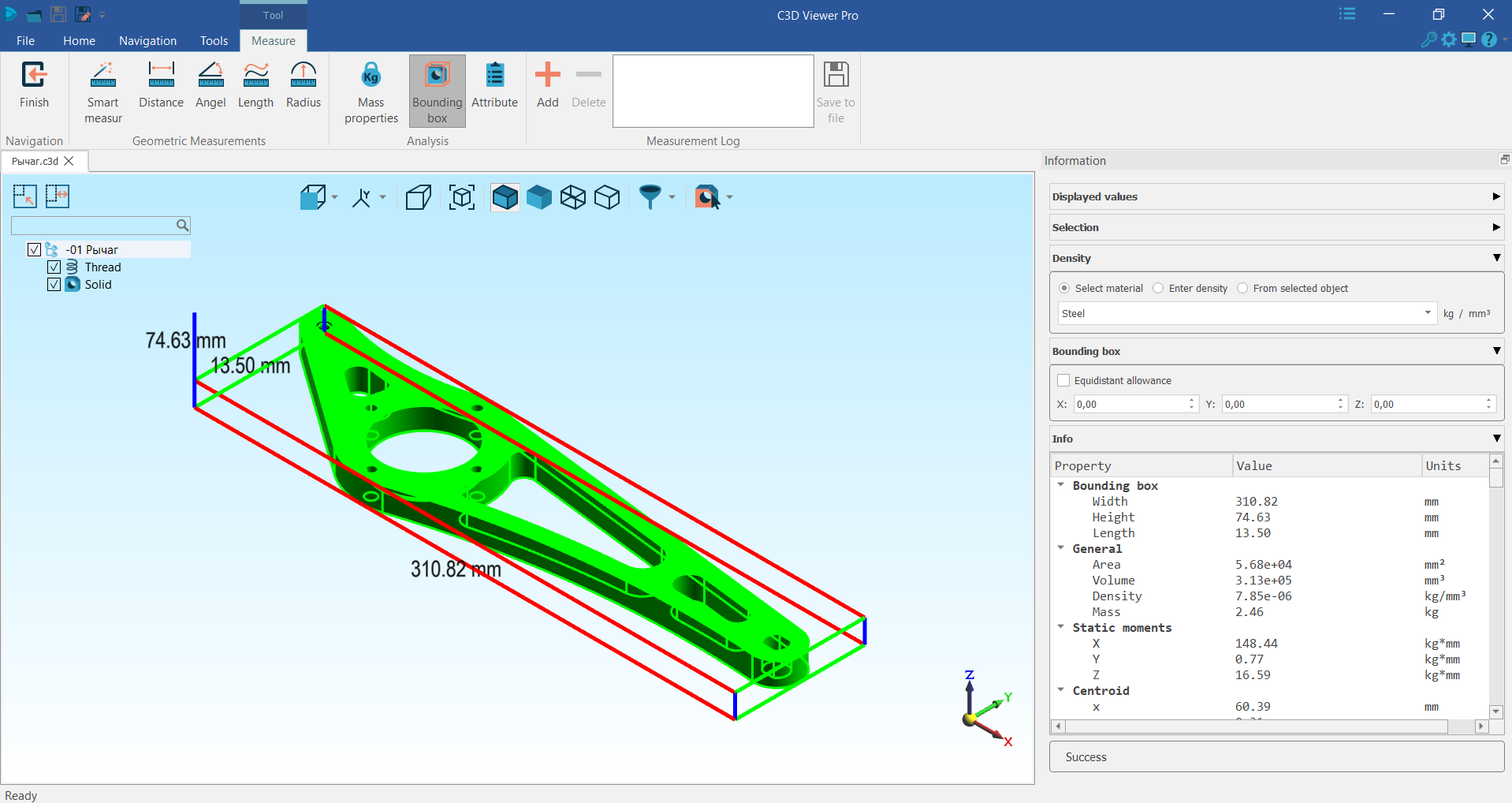
Fig. 5. Bounding box
PMI Visualization
We’ve improved the visualization of Product and Manufacturing Information (PMI). There are more settings for loading and displaying dimensions, majority surface finish, and notes. The user can select a PMI dataset to be loaded along with the geometry.
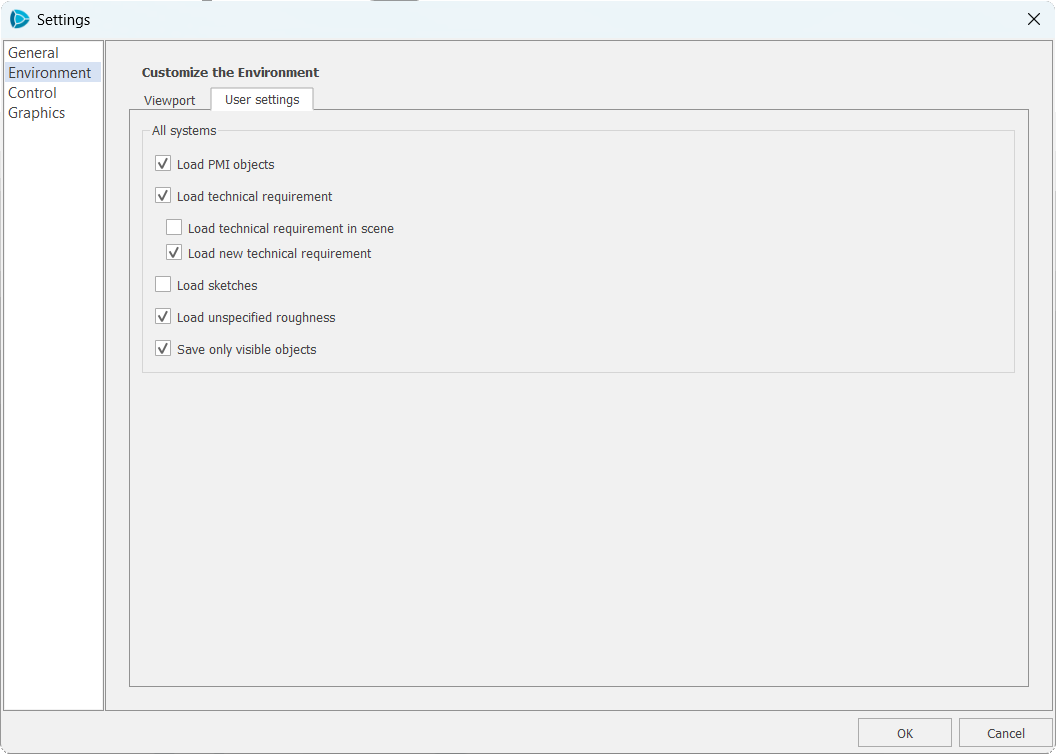
Fig. 6. Model annotation settings
We’ve reinvented the GUI for drawing notes to improve readability. For assemblies, the notes and the majority surface finish of its components can be viewed.
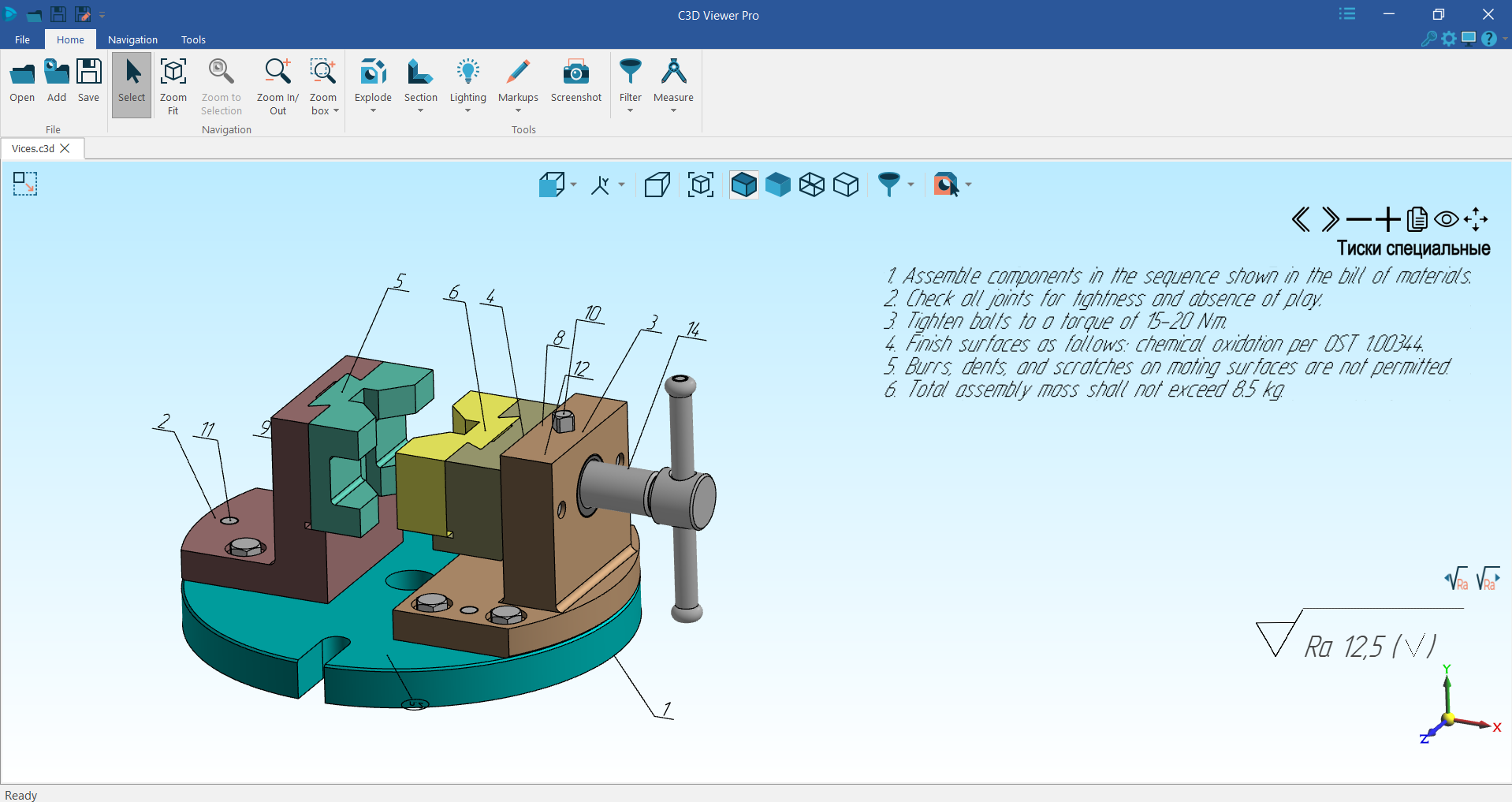
Fig. 7. Drawing notes
How to Learn More
The new version is available for download on the product webpage.